
The multicolor name permission allows you to change the color of your username above you head, along with your name in any chat setting such as global chat, tab, private messages (/msg), and party chats (/p). Your name will show the same color for all of those groups mentioned. To change your name color, the base command is /multicolor <username>. You must add the color codes before/in between the letters in your name for it to work.
There are two color code selections available to use in your name (named colors and hex color codes). You could mix and match each color set if you wanted.
1. If you type /multicolor, /namecolor or /namecolour the info will pop up.
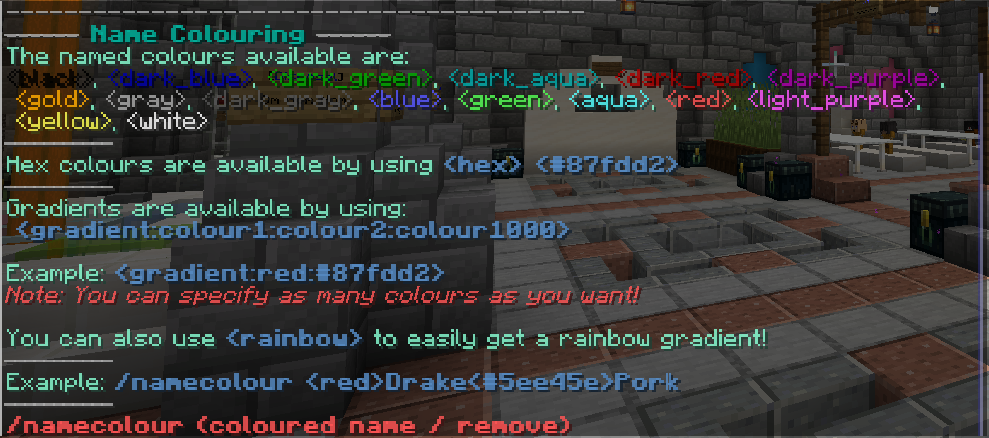
Notice how how the top, there is a list of named colours available.

You can also choose to use hex color codes, which are googleable.

You can choose to have one solid color, multicolor or gradient.
Here's an example of a solid color.


Here's an example of how to do multicolor.


Note, you can use gradient in multicolor too. Here's an example of that.


And here's an example of a gradient from the first letter of the name to the last letter of the name.


Bonus: There is one preset gradient word that you can use, and that is <rainbow>. Here's an example.


(If you have other questions, feel free to ask in-game or in the discord general channel or make a help request!)